How It Works
Choose Your Playlists
Decide which playlists you want ReGrooved. Up to five playlists per day for users who haven't signed up.

ReGroove Them
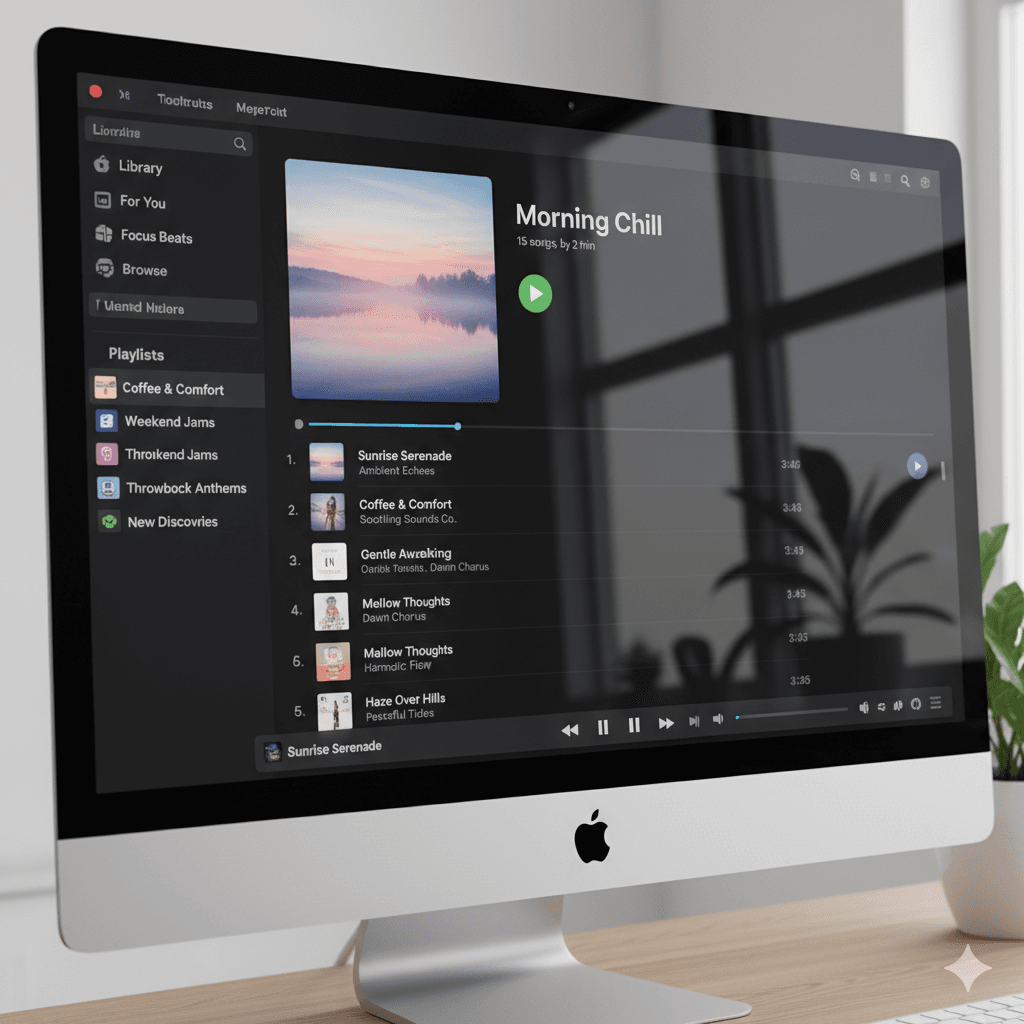
Drag and Drop your playlists directly from the Spotify App onto the area below (demo). ReGroove will automatically generate a new playlist with fresh songs based on your selections.
Connect Spotify
Connect your Spotify Account to have the playlist uploaded directly to your profile. If you'd rather not connect your account, your playlist will automatically be uploaded to the public ReGroove account and you can access it from there!
Drag & Drop Playlist Here
Just the Classics: Most popular songs only.
Mix of Hits and Deep Cuts: Balanced range of catalog.
Surprise Me!: Almost completely random.


Loading playlists...

Upcoming Features
Increased Control over Playlist Generation
The next wave of features will include improved options for how your playlists are built. Top priorities will be controls for playlist length and in app track/artist removal.

Artist Recommendations
It's impossible to keep track of all the latest and greatest artists. By offloading some of that time spent searching to modern LLMs, ReGroove hopes to connect you with artists you'll love.

Automatic ReGrooving
For users who want to sign up, ReGroove will automatically upload a ReGrooved playlist to your account so you can check out new music while maintaining the joy of surprise.